Projects, tasks and subtasks
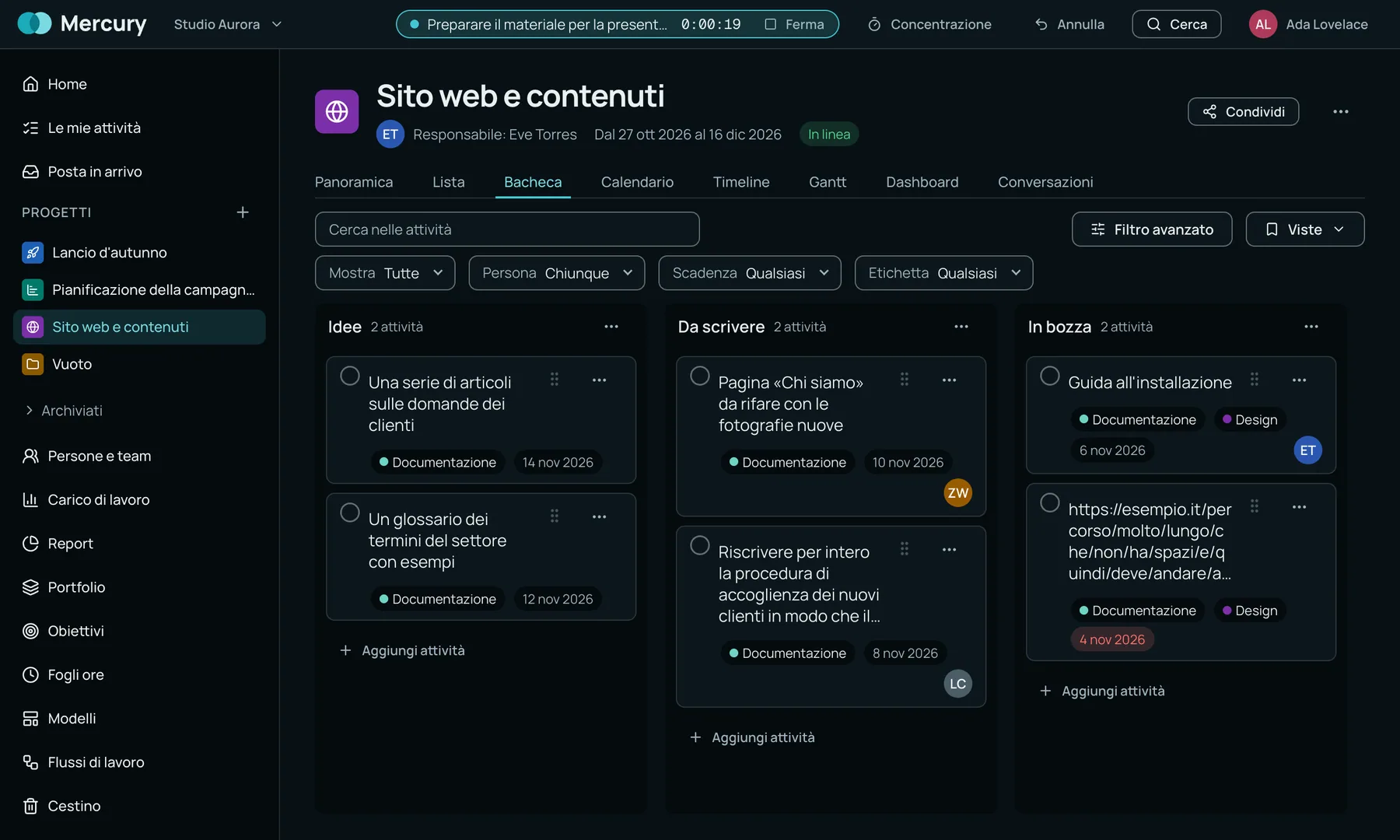
Every project has its own sections, custom fields and attachments. Tasks can be grouped, filtered and opened down to their subtasks.

Work management suite for teams: tasks in five views, timesheets and dashboards that update themselves.
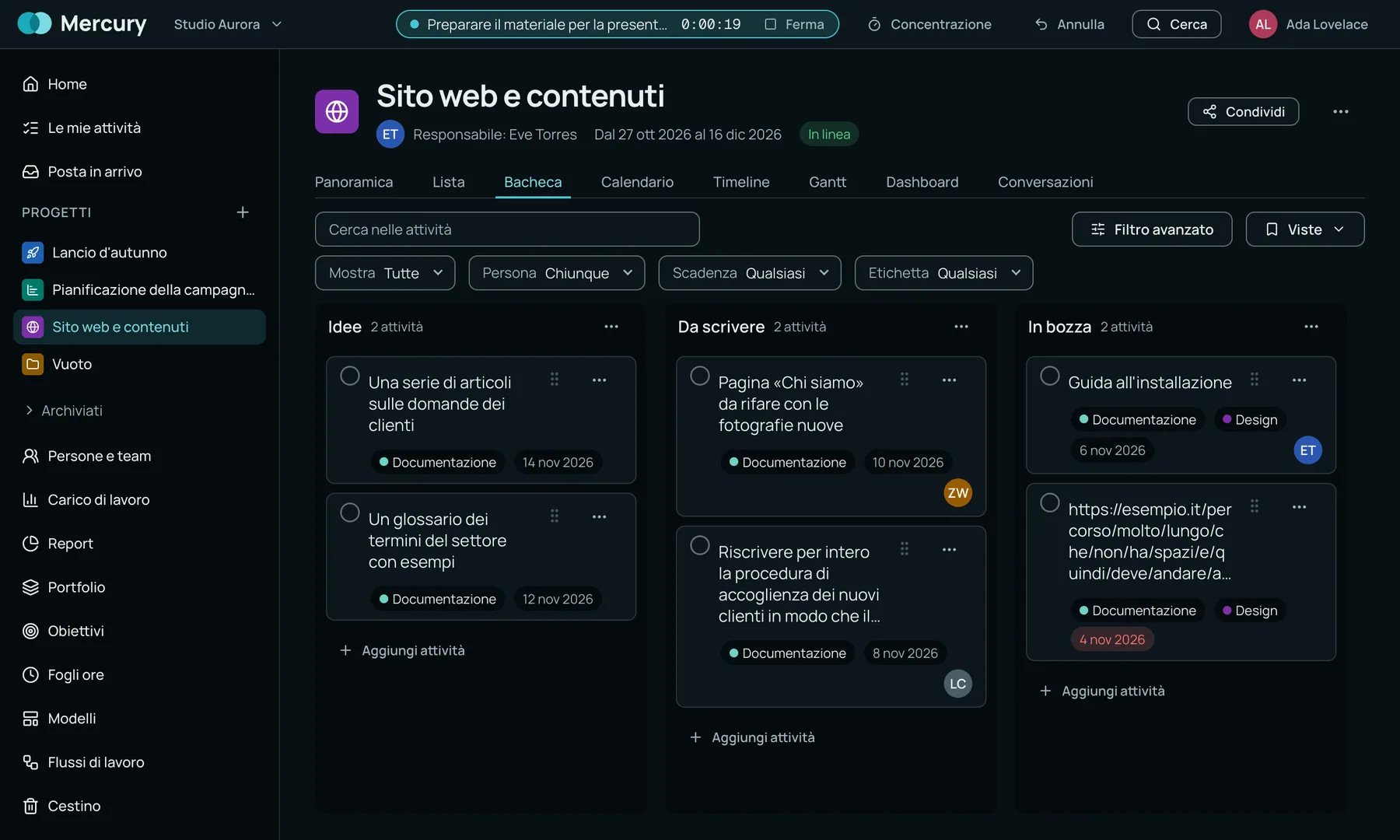
Every project has its own sections, custom fields and attachments. Tasks can be grouped, filtered and opened down to their subtasks.
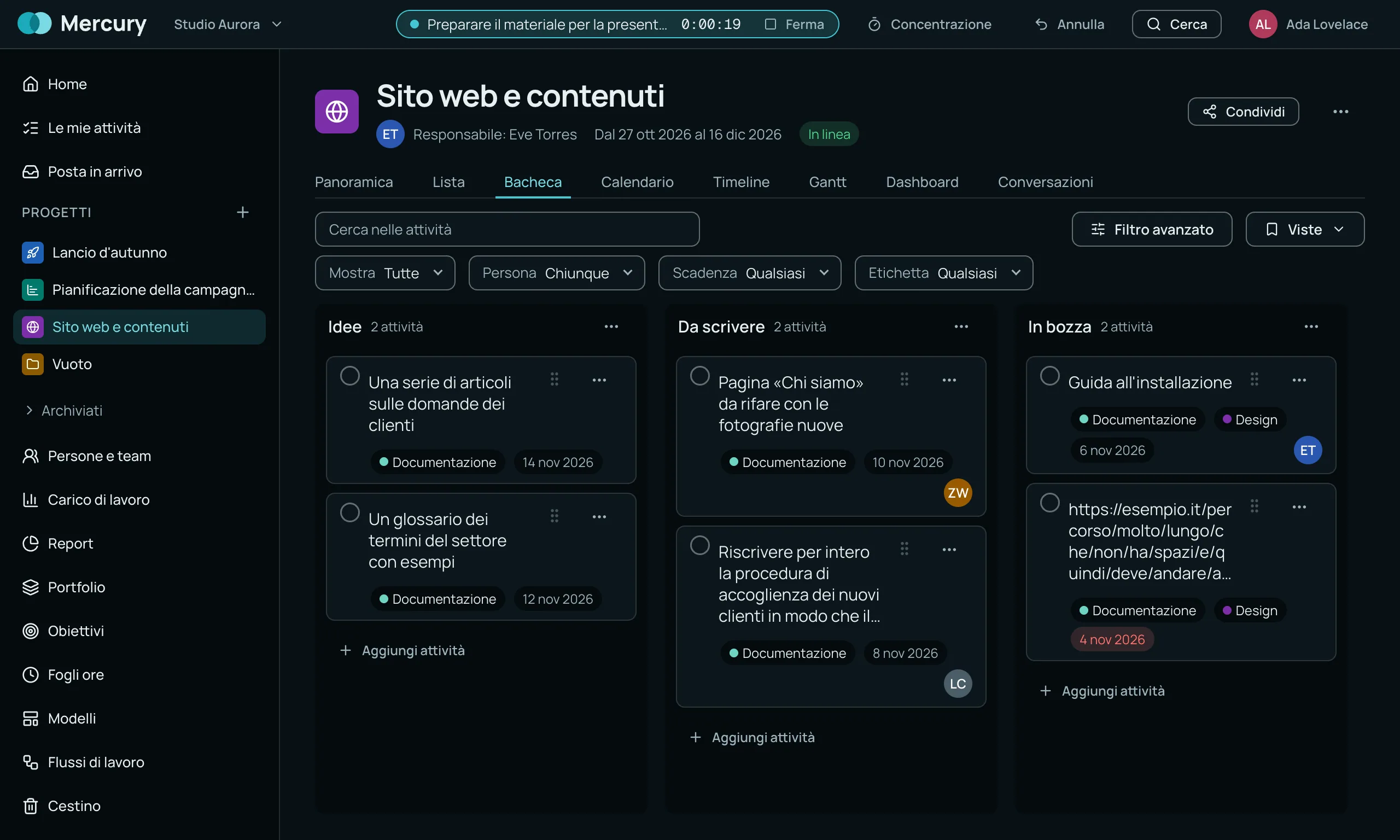
List, board, timeline, Gantt and calendar: pick the view you need right now, the work is always the same.
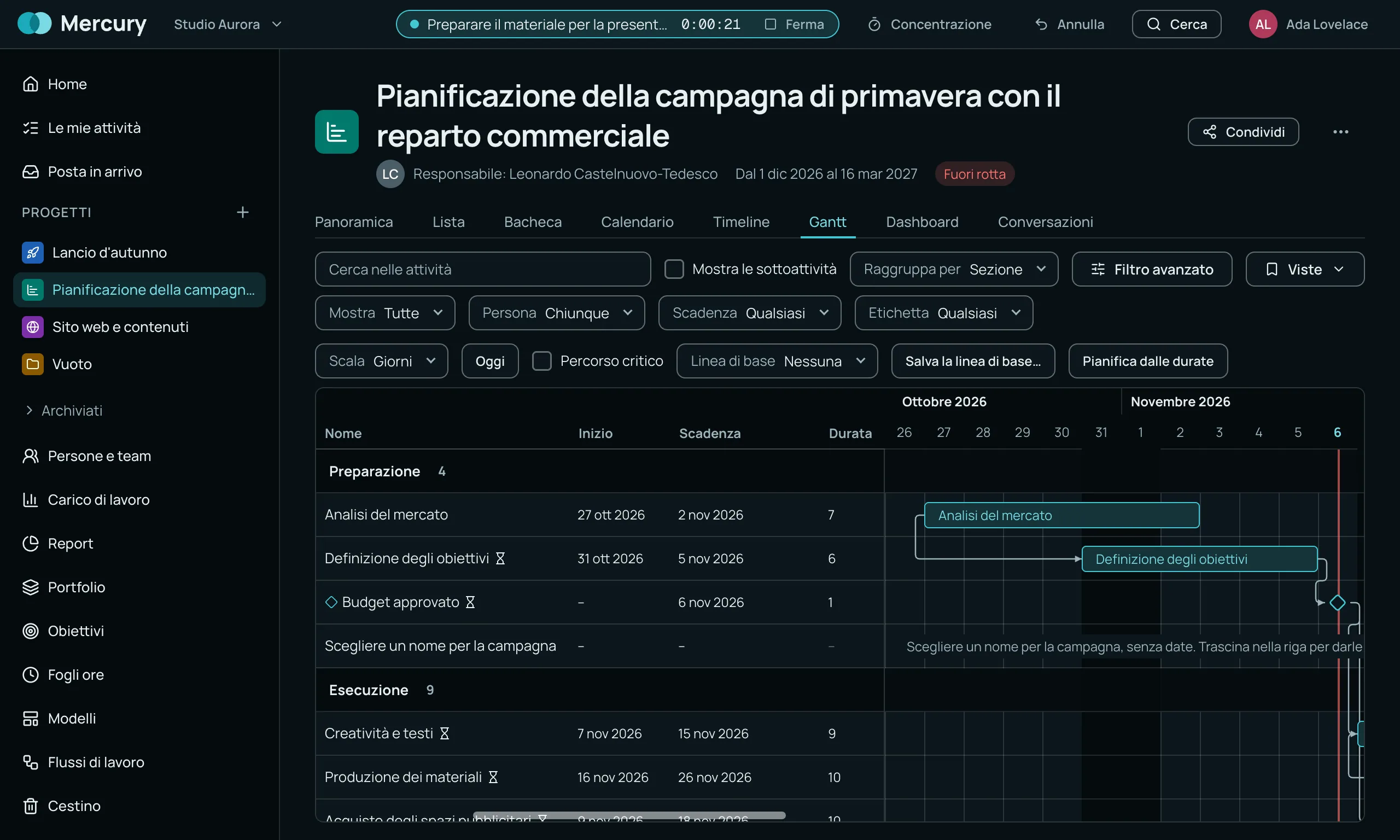
Link tasks together, see the dependencies on the chart and switch on the critical path.
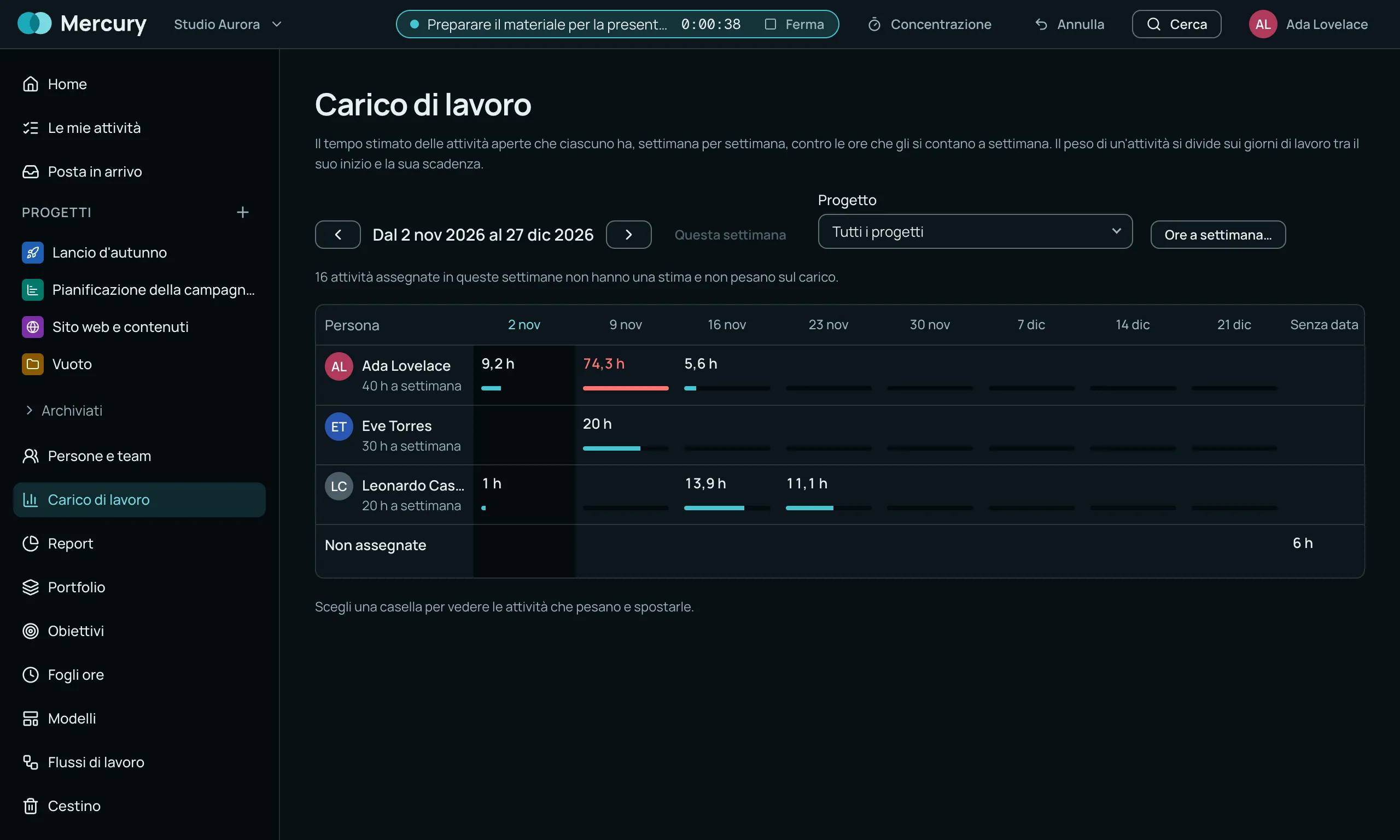
Who has too much on and who still has room, person by person and week by week.
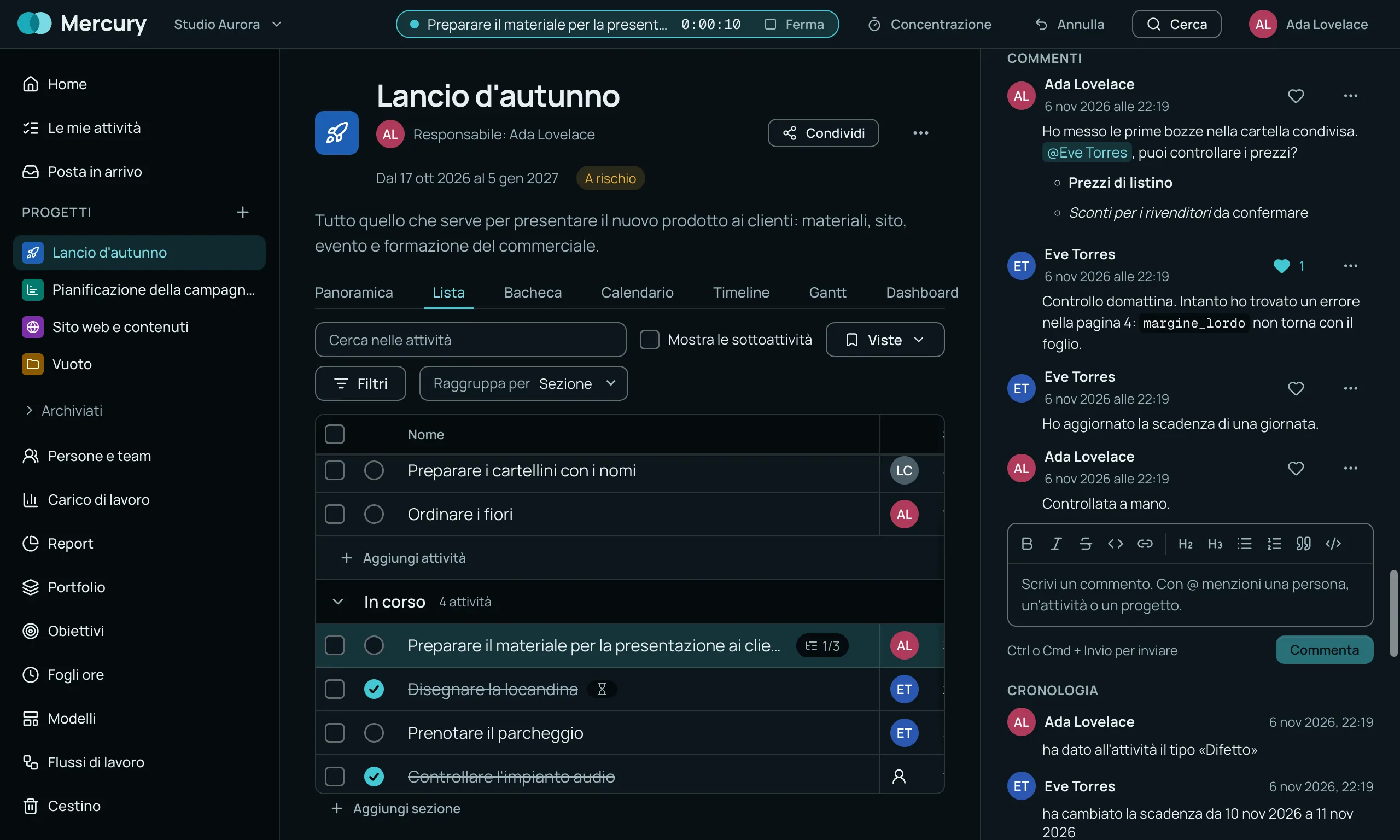
Reply inside the task and mention whoever needs to see it with @, or another task or a project.
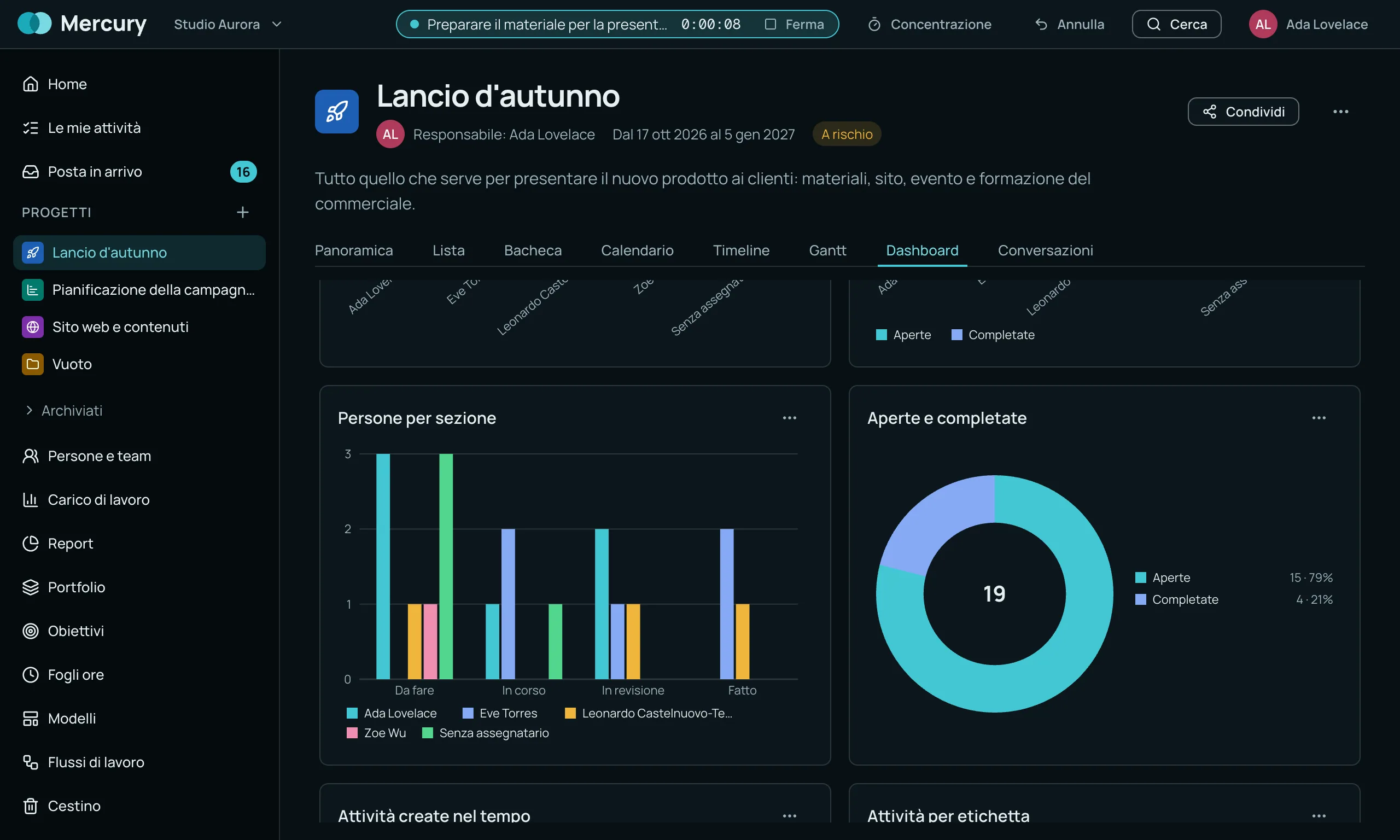
Eight chart types to follow how the work is going: by section, by person or over time.
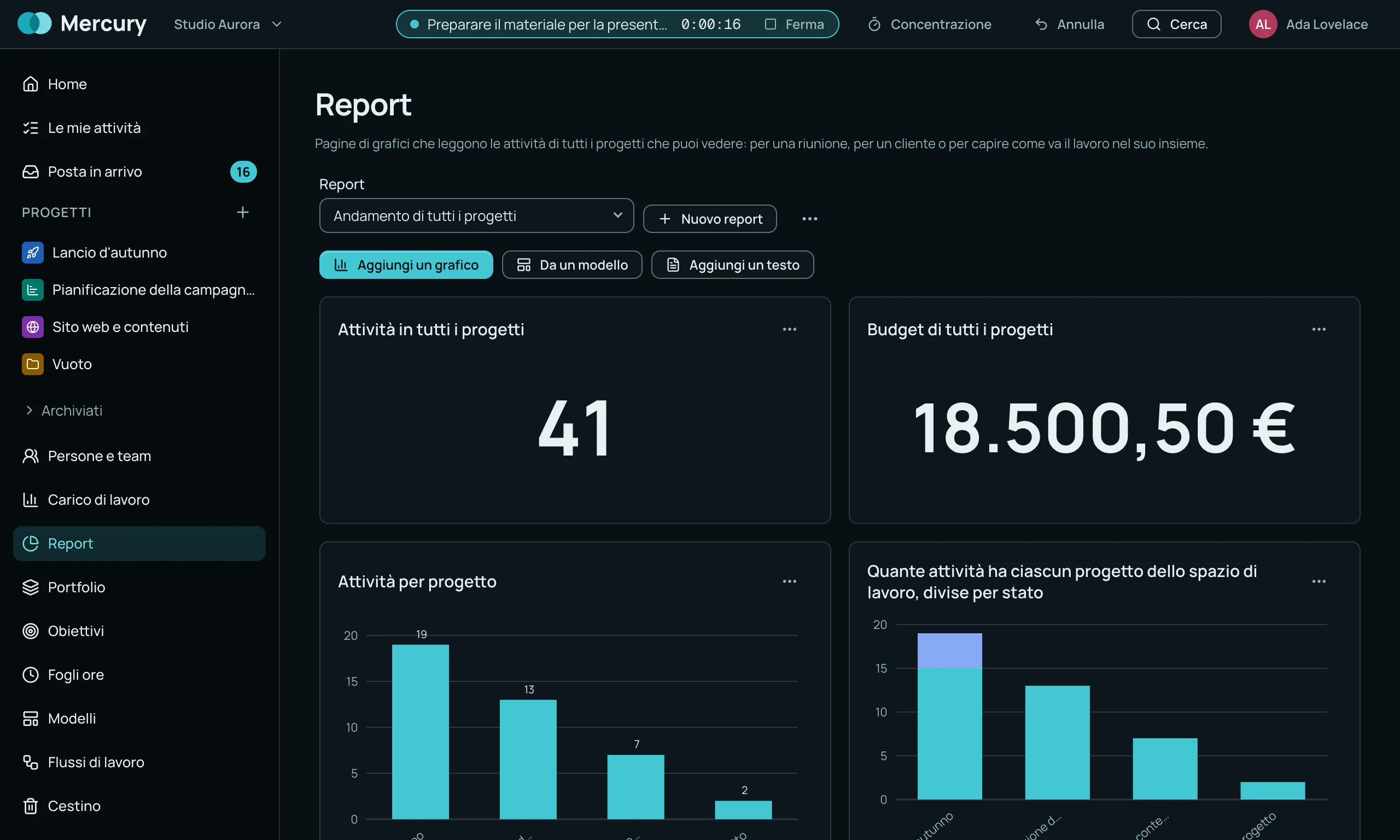
The view from above on everything under way: pages of charts for a meeting, for a client or to see how the work is going as a whole.
Real screens of the app, with the interface in Italian. Mercury is in development.
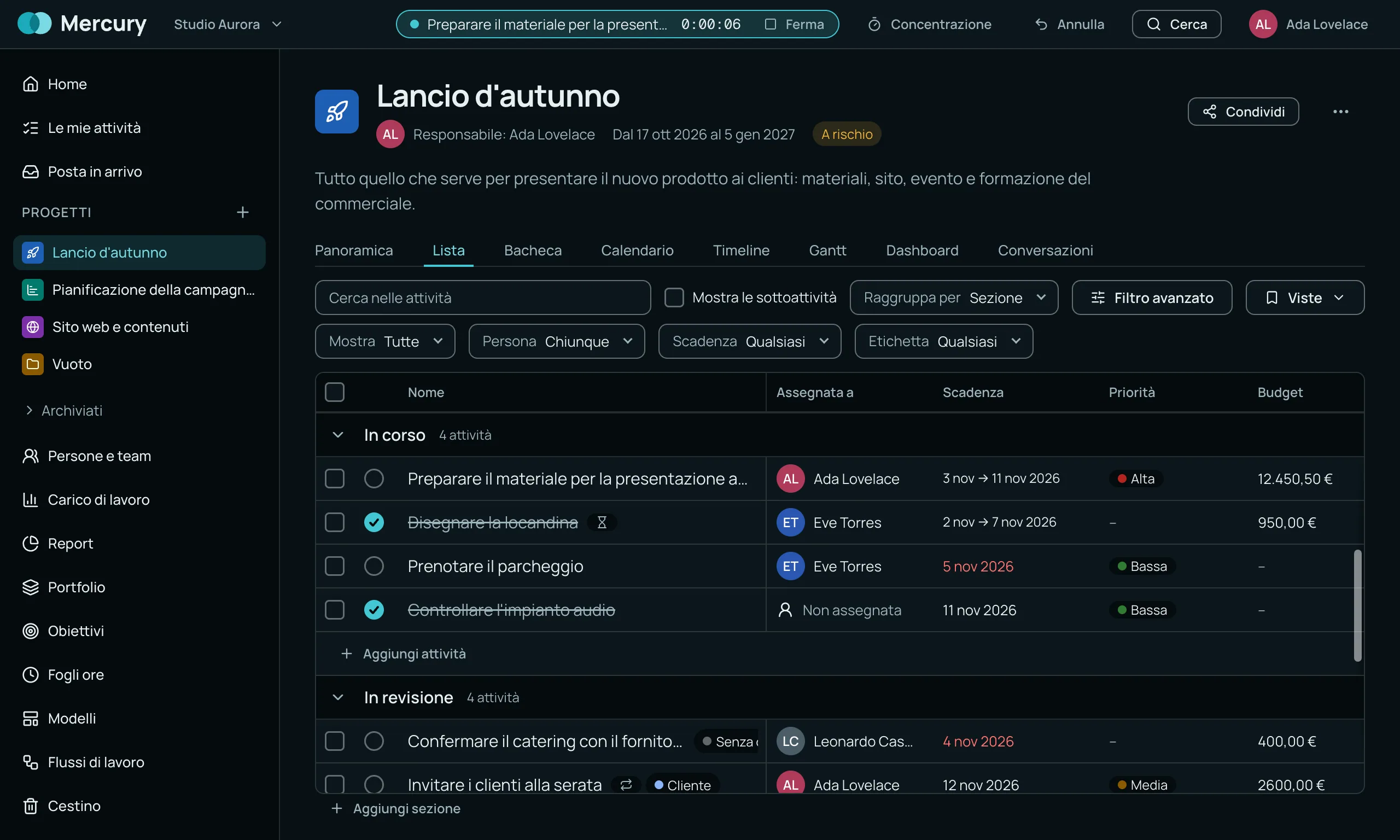
Mercury structures work into projects, tasks, and workflows. Designed with a fully Italian interface, it allows for planning deadlines, monitoring team workload, and visualising the critical path.
Mercury is a pre-alpha platform (currently at version 0.5.0) designed to manage the entire work cycles of a business team. It allows daily operations to be organised through five main views, including timelines and a Gantt chart that highlights the project’s critical path. The core of the application stands out for a targeted choice: the interface is Italian only until 1.0, and every text element is treated as a catalogue key. To monitor progress, teams can build custom dashboards choosing from eight types of charts (from stacked bars to burn-up diagrams). These charts are calculated by directly reading the status of tasks, so they follow them without any manual updates. In terms of architecture and security, Mercury runs as a desktop application (Windows, macOS, Linux) backed by a Node service on PostgreSQL. Admin actions are written to a transactional audit log: changes are written in the same transaction as the modified resource, and the database refuses to update a log row that has already been written. The path to the final release is backed by 2,835 automated tests.